A cardiologist finishes a patient visit and picks up her phone. She dictates a quick note: "Mrs. Patterson, age 67, presenting with atrial fibrillation, new onset. Started on apixaban 5mg BID. Follow-up echo in two weeks. Family history of stroke - daughter reports mother had a similar episode last year."
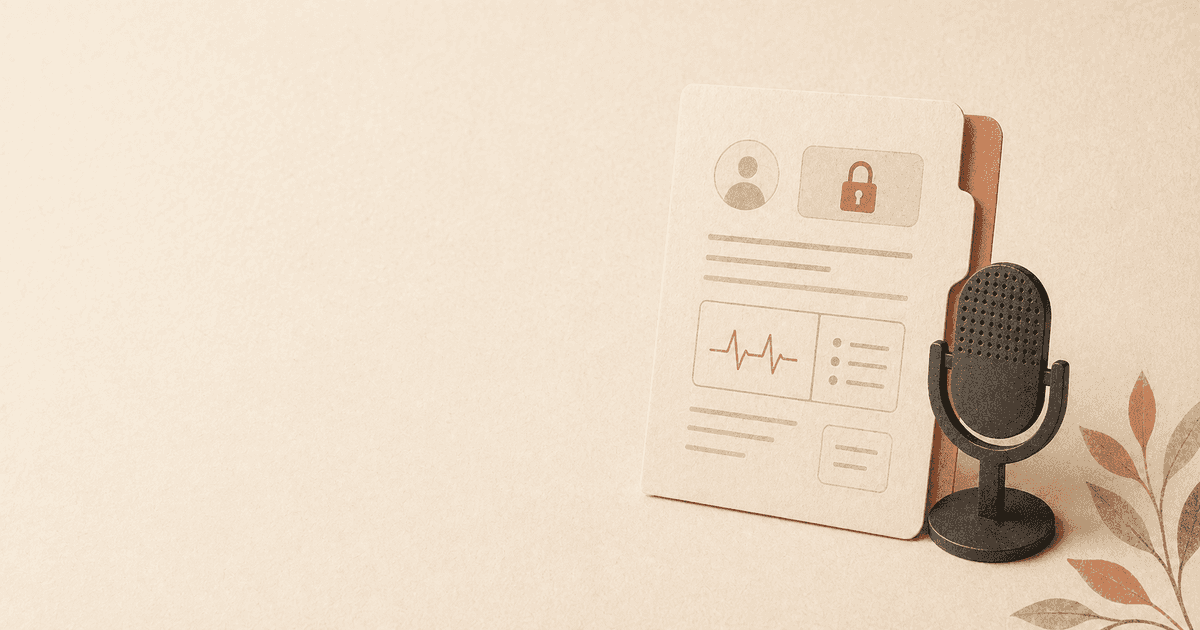
That dictation contains the patient's name, age, diagnosis, medication, dosage, treatment plan, and family medical history. It also contains the doctor's voice - a biometric identifier carrying information about her own identity, emotional state, and speaking patterns.
If the dictation tool sends that audio to a cloud server, every piece of that information leaves the provider's control. The patient's PHI (Protected Health Information) travels across the internet, is processed on third-party infrastructure, and may be stored, logged, or used for model training - depending on the vendor's terms of service.
This is a HIPAA problem. And most healthcare providers have not thought about it carefully enough.
The Voice Data Problem in Healthcare
Healthcare has always generated enormous amounts of text. Clinical notes, discharge summaries, referral letters, radiology reports, surgical notes, consultation requests - the documentation burden on clinicians is significant and growing. Studies consistently show that physicians spend one to two hours on documentation for every hour of direct patient care.
Dictation is the natural solution. It is three to four times faster than typing and lets clinicians document while the encounter is fresh. Medical dictation has existed for decades, from Dictaphones to Dragon Medical. For a complete overview of how voice tools fit into clinical workflows, see our guide on voice tools for healthcare providers. For the regulatory specifics, our HIPAA-compliant dictation guide walks through the Privacy and Security Rules in plain English, and our Dragon Medical alternatives post covers what physicians are actually switching to.
But the landscape has shifted. Modern dictation tools increasingly rely on cloud processing, which means patient data - the most regulated category of personal information in the United States - is being transmitted to servers that clinicians know nothing about.
The Therapist Niche: Why Mental Health Documentation Is the Hardest Case
Most HIPAA conversations centre on hospitals, large practices, and EHR-bound workflows. Mental health is different in two ways that matter for voice tools.
First, therapy notes contain a higher density of identifiable, sensitive content per minute than almost any other medical documentation. A single 50-minute session note can include trauma history, substance use, sexuality, family relationships, and self-harm risk - all attributed to a single patient. Anything that touches that note has compliance implications most clinical IT departments do not have the muscle to evaluate.
Second, therapists are disproportionately solo or small-group practitioners. They rarely have a dedicated IT team, a full BAA workflow, or the bandwidth to run vendor risk assessments on a dictation tool. The consequence is that most therapists end up either typing every note (slow, hand-strain) or using consumer cloud dictation (HIPAA-questionable). Neither is a good outcome.
This is the cleanest case for on-device dictation. The PHI never leaves the device, the BAA question never arises, and a single-clinician workstation is the simplest possible custody chain. Tools like Mentalyc, Twofold Health, and Skriber occupy the cloud-plus-BAA end of this market; we are deliberately positioned at the on-device end. For the broader compliance picture, see our voice dictation in regulated industries guide and our attorney-client privilege parallel for legal practitioners.
What HIPAA Actually Requires
HIPAA's Security Rule requires covered entities to protect the confidentiality, integrity, and availability of all electronic PHI (ePHI). This includes voice recordings that contain patient information.
When a clinician dictates a note containing patient data, that audio recording is ePHI. The Security Rule requires:
Administrative Safeguards
- Risk analysis. Covered entities must assess the risks to ePHI in all forms, including audio recordings transmitted to cloud services.
- Business Associate Agreements (BAAs). Any cloud service that receives, processes, or stores ePHI must have a signed BAA with the covered entity. Without a BAA, transmitting patient audio to a cloud dictation service is a HIPAA violation - regardless of the vendor's general privacy policy.
- Workforce training. Staff must understand the privacy implications of the tools they use, including dictation apps.
Technical Safeguards
- Access controls. Only authorized individuals should be able to access ePHI. When audio is sent to a cloud server, the vendor's employees - and potentially their subcontractors - may have access.
- Audit controls. Covered entities must maintain records of who accessed ePHI and when. Cloud processing introduces audit complexity because the data exists on infrastructure outside the entity's control.
- Transmission security. ePHI transmitted over networks must be encrypted. But encryption in transit only protects data while it is moving. Once the audio arrives at the cloud server, it is decrypted for processing - and at that point, the vendor's security practices are the only protection.
The BAA Gap
Here is the practical problem: most consumer and prosumer dictation apps do not offer BAAs. They are not designed for healthcare use. Their terms of service typically include language about using data for "service improvement," which may include AI model training - a use that is incompatible with HIPAA requirements for ePHI.
Even if a vendor offers a BAA, the fundamental architecture remains: patient audio is leaving the clinical environment and being processed on third-party infrastructure. The BAA shifts legal liability but does not eliminate the technical risk.
A dictation app's privacy policy is not a Business Associate Agreement. Using a consumer dictation tool that sends audio to the cloud - without a signed BAA - to dictate patient notes is a HIPAA violation, even if the tool encrypts data in transit, even if the vendor promises privacy, and even if no breach actually occurs. The violation is the transmission itself.
Breach Risks Are Not Theoretical
Healthcare data breaches are not hypothetical scenarios. They happen with disturbing regularity, and the consequences are severe.
In 2024 alone, over 276 million healthcare records were exposed in data breaches. The average cost of a healthcare data breach has risen to $10.93 million - the highest of any industry for over a decade running.
These breaches increasingly involve cloud-connected tools. As healthcare organizations adopt more SaaS and cloud-based productivity tools, the attack surface expands. Each cloud service that processes patient data is a potential breach point.
Voice data breaches are particularly damaging because of what voice recordings contain beyond the spoken words:
- Patient identifiers. Names, dates of birth, medical record numbers spoken during dictation.
- Clinical information. Diagnoses, medications, treatment plans, lab results.
- Biometric data. The clinician's voiceprint, which is a permanent biometric identifier.
- Emotional context. The clinician's tone may reveal concern about a diagnosis or urgency about a treatment decision - contextual information that adds dimension to the clinical record in ways the clinician did not intend to share.
For more on what voice data reveals beyond words, our article on why your voice data is more sensitive than you think covers the biometric and behavioral dimensions in detail.
How On-Device Processing Solves the Problem
The privacy risks above share a single root cause: patient audio leaves the clinician's device. Every risk - breaches, unauthorized access, BAA gaps, model training concerns - depends on voice data being transmitted to and processed on a remote server.
On-device processing eliminates every one of these risks by keeping audio exactly where it was recorded: on the clinician's Mac.
How It Works
- The clinician activates dictation with a hotkey.
- Audio is captured by the Mac's microphone.
- A speech recognition model running locally on the Mac's Neural Engine processes the audio into text.
- The text appears at the cursor in whatever application is active - EHR, document editor, email client.
- The raw audio is released from memory. It is never saved to disk, never transmitted, never logged.
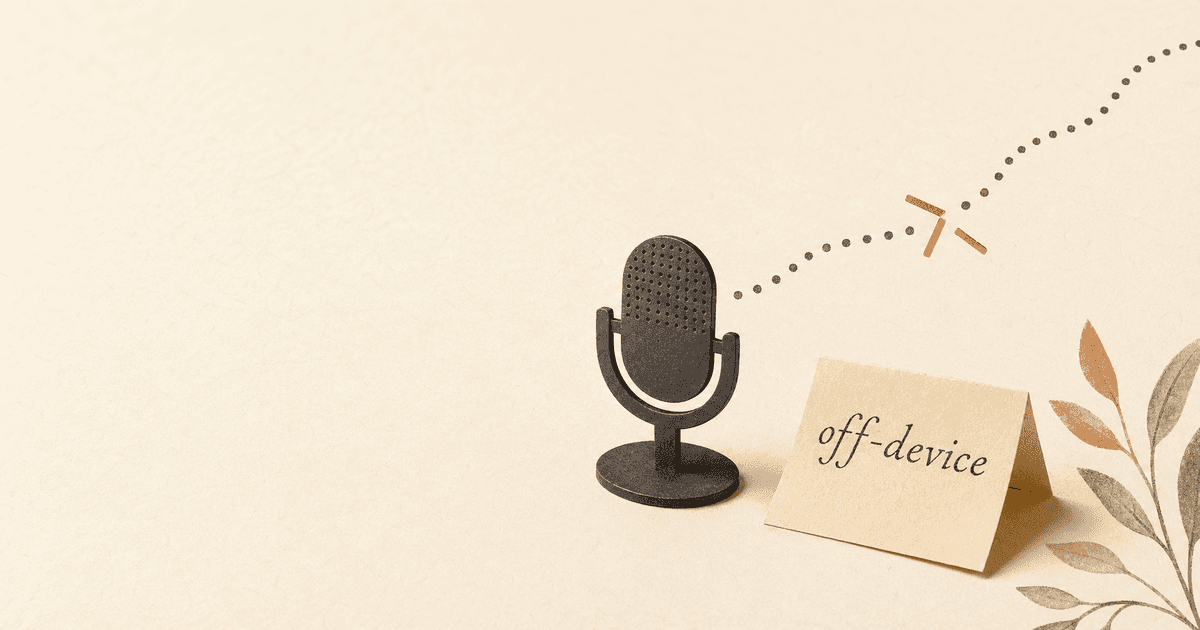
At no point does audio leave the device. There is no network request. There is no cloud server. There is no third party.
Patient audio is transmitted to remote servers. PHI exists on third-party infrastructure. Requires BAA with vendor. Subject to vendor's security practices, data retention policies, and potential model training use. Breach risk extends beyond the clinical environment.
Patient audio stays on the clinician's Mac. PHI never leaves the clinical environment. No BAA needed because no third party receives data. No transmission risk, no server-side storage, no model training exposure. Compliance is architectural, not contractual.
HIPAA Compliance by Architecture
On-device dictation achieves HIPAA compliance through architecture rather than agreements. There is no ePHI to protect on a server because no ePHI ever reaches a server. There is no BAA to negotiate because no business associate receives patient data. There is no breach to report because there is no external system to breach.
This does not mean that on-device dictation eliminates all HIPAA obligations - the clinician's Mac itself must still be properly secured, encrypted, and access-controlled. But it eliminates an entire category of risk: the third-party processing risk that cloud dictation introduces.
Practical Setup for Clinicians
If you are a healthcare provider looking to set up private dictation on your Mac, here is a practical guide.
Choose an On-Device Tool
The tool must process speech recognition locally with no cloud dependency. Verify this by disconnecting from the internet and testing dictation - if it works identically offline, the processing is genuinely on-device.
Yaps processes all core features on-device, including speech-to-text, text-to-speech, voice notes, and voice commands. No patient audio is ever transmitted. The app works identically with or without internet.
Configure Your Environment
Microphone. Your Mac's built-in microphone works for basic dictation. For extended clinical documentation - especially in noisy environments - a directional USB microphone or headset improves accuracy and reduces the need to speak loudly.
Privacy. Dictate in a private space. This protects patient information from being overheard and lets you speak naturally without self-consciousness. Most clinical offices provide adequate privacy; open nursing stations or shared workspaces require more care.
EHR integration. On-device dictation works with any application on your Mac, including web-based EHR systems. Activate dictation, place your cursor in the appropriate field, and speak. The text appears where the cursor is - no special integration required.
Build a Clinical Dictation Workflow
A practical workflow for clinical documentation:
- During the encounter. Focus on the patient. Take minimal notes - enough to remember key points.
- Immediately after. While the encounter is fresh, dictate your clinical note. Speak naturally: "Chief complaint, follow-up for hypertension, currently on lisinopril 10mg daily, blood pressure today 138 over 86..."
- Quick keyboard edit. Review the transcription, correct any recognition errors, and ensure medication names and dosages are accurate.
- Text-to-speech review. Have the note read back to you. This catches omissions and errors that visual review misses. For clinical documentation, hearing the note can also confirm that it accurately reflects the encounter.
- Submit to EHR. Copy or paste the finished note into your electronic health record.
This workflow takes three to five minutes per encounter - significantly less than typing a full note - and produces documentation while the clinical details are fresh.
Medical Terminology
Modern on-device speech recognition handles common medical terminology well: medication names, anatomical terms, diagnostic labels, and procedural descriptions are generally transcribed accurately. For highly specialized terms or unusual drug names, you may need to correct the transcription on first use.
Spell out unusual medication names or rare diagnoses the first time you dictate them. Modern speech recognition adapts quickly - after a correction or two, it will recognize the term going forward. Common terms like "metformin," "hypertension," "bilateral," and "anterior cruciate ligament" are handled accurately out of the box.
Beyond Dictation: Other Voice Tools for Healthcare
Text-to-Speech for Chart Review
Reviewing patient charts before a follow-up visit can be time-consuming. Text-to-speech lets you listen to previous notes while preparing for the encounter - reviewing a patient's history by ear while setting up the exam room, for example.
Voice Notes for Clinical Observations
Quick voice notes between patients can capture observations, follow-up reminders, and clinical impressions that might otherwise be forgotten. These notes are transcribed and searchable - a useful supplement to formal documentation.
All On-Device
Every one of these features - text-to-speech, voice notes, dictation - processes locally. No patient information leaves the clinician's Mac. The privacy model is consistent across the entire toolkit.
The Regulatory Landscape
HIPAA is the primary framework in the United States, but it is not the only consideration.
State privacy laws. Several states have enacted biometric privacy laws that apply to voice data. Illinois' BIPA has led to significant settlements against companies that collected biometric data without proper consent. Clinicians in these states face additional compliance requirements.
GDPR. For healthcare providers treating EU patients or operating in Europe, GDPR classifies voice data as biometric data subject to its strictest processing requirements. On-device processing avoids the cross-border data transfer issues that cloud processing creates.
Malpractice and liability. If patient data is exposed through a cloud dictation service, the question of liability becomes complex. Did the clinician take "reasonable steps" to protect patient information? Using a consumer cloud dictation tool without a BAA is difficult to defend as reasonable.
Payer requirements. Some insurance contracts and payer agreements include data security requirements that may extend to dictation tools. Review your contracts to understand whether cloud processing of clinical audio is permitted.
A voice keyboard that keeps your voice on your phone.
Install Yaps on Android for offline dictation, a familiar full-size keyboard, and no screen capture. Scan the QR on desktop, or tap the Play badge on mobile.
Frequently Asked Questions
Is cloud dictation HIPAA compliant?
Cloud dictation can be HIPAA compliant only if the vendor signs a Business Associate Agreement (BAA) with the covered entity and meets the Security Rule's requirements for protecting electronic PHI. However, most consumer and prosumer dictation apps do not offer BAAs, and their terms of service often include language about using data for "service improvement" or AI model training - uses that are incompatible with HIPAA requirements. Even with a signed BAA, the fundamental architecture means patient audio still leaves the clinician's device and exists on third-party infrastructure. On-device dictation avoids the issue entirely because no PHI is ever transmitted.
Can doctors use voice dictation for patient notes?
Yes, voice dictation is widely used by physicians for clinical documentation and is three to four times faster than typing. The critical factor is where the dictation processing occurs. On-device dictation keeps all patient audio on the clinician's Mac - no data is transmitted, no BAA is needed, and HIPAA compliance is built into the architecture. Cloud-based dictation tools transmit patient audio to remote servers, which introduces breach risk, requires a signed BAA, and may conflict with HIPAA's Security Rule requirements for protecting ePHI.
What dictation app is best for medical professionals?
The best dictation app for medical professionals processes speech recognition entirely on-device, handles medical terminology accurately, and works with any application including web-based EHR systems. Dragon Medical was the long-standing standard but has shifted to cloud processing and discontinued its Mac version. Modern on-device alternatives like Yaps run locally on Apple Silicon, handle common medical terms (medication names, anatomical terms, diagnostic labels) out of the box, and work without internet. The key requirement is local processing - verify this by testing dictation with your internet disconnected.
Does voice dictation work with electronic health records?
On-device dictation works with any application on your Mac, including web-based EHR systems like Epic, Cerner, and Allscripts. You place your cursor in the relevant field of your EHR, activate dictation with a hotkey, and speak - the text appears at the cursor position. No special integration, plugin, or API connection is required. This means dictation works with whatever EHR your practice uses without IT configuration or vendor approval.
How accurate is medical dictation for drug names and diagnoses?
Modern on-device speech recognition handles common medical terminology accurately without specialized vocabulary packages. Medication names like metformin, lisinopril, and apixaban, anatomical terms like anterior cruciate ligament and bilateral, and diagnostic labels like atrial fibrillation and hypertension are transcribed correctly out of the box. Unusual drug names, rare diagnoses, and patient-specific proper nouns may need a correction on first use - spelling them out once typically teaches the system to recognize them going forward. Overall accuracy on Apple Silicon is within a few percentage points of cloud-based medical transcription services.
What is the HIPAA penalty for a dictation data breach?
HIPAA penalties for data breaches vary based on the level of negligence. Tier 1 violations (lack of knowledge) carry penalties of $100 to $50,000 per incident. Tier 4 violations (willful neglect without correction) carry penalties of $50,000 or more per incident, up to $1.5 million per year for identical violations. Beyond financial penalties, breaches trigger mandatory notification to affected patients, HHS, and potentially the media. The average cost of a healthcare data breach - including penalties, legal fees, remediation, and reputational damage - was $10.93 million in 2024. Using a cloud dictation tool without a BAA and then experiencing a breach would be difficult to defend as "reasonable efforts" under the Security Rule.
Can dictation work offline in a hospital?
On-device dictation works fully offline because all speech recognition processing happens locally on the Mac's Neural Engine. This is particularly relevant for healthcare settings where internet connectivity may be unreliable, restricted for security reasons, or unavailable in certain areas of a facility. Clinicians can dictate patient notes in exam rooms, surgical suites, or any other location without depending on a network connection. Cloud-based dictation tools require internet access and will fail or degrade if the connection drops.
Is voice data considered PHI under HIPAA?
Yes, voice recordings that contain patient information are considered electronic PHI (ePHI) under HIPAA's Security Rule. A dictated clinical note typically contains patient identifiers (names, dates of birth), clinical information (diagnoses, medications, treatment plans), and the clinician's voiceprint, which is a biometric identifier. All of this data is subject to HIPAA's administrative, physical, and technical safeguard requirements. Additionally, under state biometric privacy laws like Illinois' BIPA, the clinician's voice data itself - independent of patient content - may carry separate legal protections that cloud transmission could violate.
Conclusion
Clinical dictation is a productivity necessity for healthcare providers. The documentation burden is too heavy for typing alone, and dictation has been a standard part of medical practice for decades.
But the shift to cloud processing has created a tension between productivity and patient privacy that most clinicians have not fully reckoned with. Every time you dictate a patient note using a cloud-based tool, that audio - containing names, diagnoses, medications, and treatment plans - leaves your control and enters infrastructure you cannot audit, monitor, or secure.
On-device processing resolves this tension cleanly. Your voice stays on your Mac. Patient information stays in the clinical environment. HIPAA compliance is built into the architecture, not patched on through contracts. Learn more about how our privacy-first voice assistant eliminates third-party data risk by design.
The technology exists today. On-device speech recognition on Apple Silicon is accurate, fast, and requires no internet connection. The only question is whether your current dictation tool respects patient privacy as seriously as you do.