Speak your emails. Send faster.
The average professional sends 40+ emails a day and spends over 2 hours doing it. Yaps lets you dictate every email at 150+ words per minute - 3x faster than typing. Your tone stays natural, your replies go out sooner, and your voice never leaves your Mac.
Emails sent daily by avg. professional
Daily time spent on email
Faster than typing
Words per minute
Email is eating your day vs Dictation gives you hours back
Same sentence. Watch the difference.
Typing
~40 WPM
Dictation
~150 WPM
Email at the speed of speech
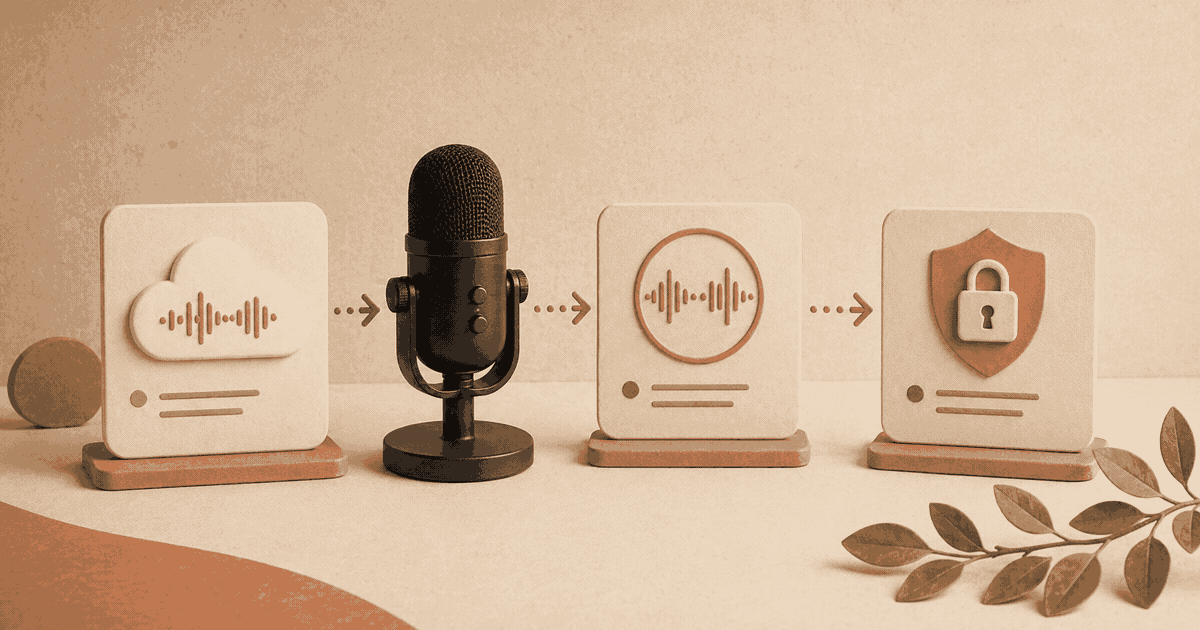
Yaps turns your voice into polished email text - privately, instantly, on-device.
150+ WPM Dictation
Most people type at 40-50 WPM. Yaps captures your speech at 150+ WPM with punctuation and formatting intact. A 200-word email takes about 80 seconds to dictate versus 4 minutes to type.
Natural Tone, Every Time
When you speak your emails, they sound like you. No more robotic one-liners or stilted paragraphs. Dictation preserves the warmth and nuance of your natural voice.
Dictate into Any Email App
Yaps works system-wide on macOS. Dictate directly into Gmail, Outlook, Apple Mail, Superhuman, or any email client. No plugins, no integrations - it just works wherever your cursor is.
Private by Design
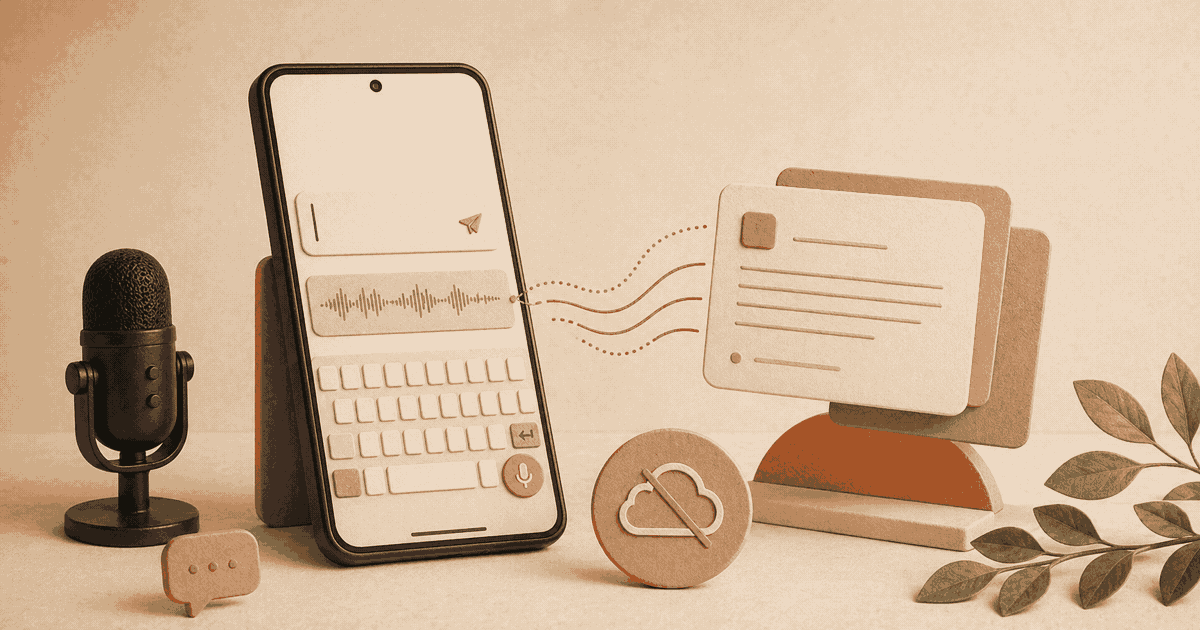
Your emails contain sensitive information - client details, financials, personal matters. Yaps processes everything on-device. No audio or text is ever sent to a cloud server.
Instant Startup
Hit your hotkey and start speaking. Yaps launches in under a second and begins transcribing immediately. No loading screens, no connection checks, no waiting for a server.
English Dictation
Yaps currently supports English for speech-to-text dictation, optimized for natural speech patterns, professional vocabulary, and proper nouns. All processing happens on-device with no cloud dependency.
Built for people who live in email
If your inbox is your workspace, dictation changes everything.
Executives and Managers
You're CC'd on everything and expected to respond to everything. Dictation lets you clear your inbox between meetings - speak a reply in 30 seconds instead of typing for 3 minutes.
“I dictate 90% of my emails now. What used to take my first hour of the morning takes 20 minutes.”
Sales Professionals
Personalized outreach wins deals. Dictation lets you send warm, conversational emails to prospects at scale - without the copy-paste feel of templates.
Healthcare Professionals
Patient follow-ups, referral emails, insurance correspondence - all dictated privately on-device. No HIPAA concerns about voice data in the cloud.
Academics and Researchers
Long, detailed emails to collaborators, grant officers, and students. Dictation lets you compose thorough replies without spending 15 minutes per message.
Customer Support Leads
Empathetic, detailed responses are hard to type at speed. Speaking your replies naturally produces more helpful, human-sounding support emails.
Anyone with Email Fatigue
If you dread opening your inbox, dictation removes the friction. Speaking a reply is effortless compared to composing one at a keyboard.
Hear from people like you.
“I used to spend the first 90 minutes of every morning just on email. Now I dictate my replies during my morning walk and I'm done before I sit down at my desk. Yaps cut my email time in half - easily. The replies actually sound better because I'm speaking naturally instead of rushing to type.”
Marcus Chen
VP of Operations
More on email productivity
Clear your inbox in half the time.
Dictate every email. Sound like yourself. Keep it all private.
Requires macOS 13.0+ (Apple Silicon recommended)