Your voice, replicated
Record a short sample of your voice and Yaps creates a local voice model that sounds like you. Use it for text-to-speech, Studio audio projects, or anywhere Yaps speaks. Your voice model never leaves your Mac. Requires Apple Silicon (M1 or later).
“Hey everyone, welcome back to another episode. Today we are talking about something I have been thinking about a lot lately.”
Voice Cloning is available on the Yaps Max plan and requires Apple Silicon (M1 or later). Your cloned voice model is created and stored entirely on your Mac - it never leaves your device. You own your voice, always.
Recording session
Model creation
Model storage
Sent to cloud
Typing vs Dictation
Same sentence. Watch the difference.
Typing
~40 WPM
Dictation
~150 WPM
How voice cloning works in Yaps
A short recording session, a local model, and your voice available everywhere in Yaps.
Guided Recording Session
Yaps walks you through a short recording session - about 5 minutes of reading prompted sentences aloud. This gives the model enough data to learn your voice's unique characteristics.
On-Device Model Training
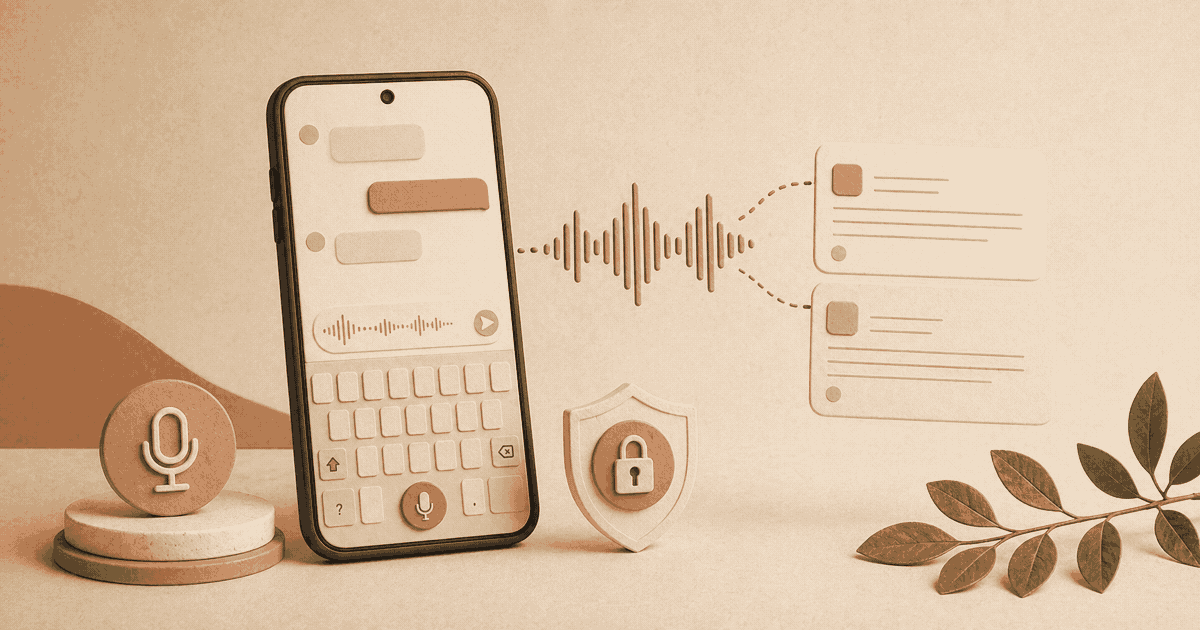
Your Mac processes the recordings and creates a voice model locally. No audio is uploaded. No cloud GPU is needed. The training runs on your Apple Silicon chip (M1 or later required).
Your Unique Voice Profile
The resulting model captures your pitch, cadence, rhythm, and tonal qualities. When Yaps speaks using your cloned voice, it sounds distinctly like you.
Private by Architecture
Your voice model is stored as a local file on your Mac. It is never synced to the cloud, never sent to a server, and never accessible to anyone but you.
Works Offline
Once your voice model is created, it works entirely offline. Generate audio in your own voice whether you're connected to the internet or not.
Use It Everywhere in Yaps
Your cloned voice appears as a voice option in TTS and in Studio. Select it wherever you'd normally pick a voice, and hear your own voice reading back your text.
Make it personal
When the voice is yours, the content feels different. More honest. More you.
Podcast and Audio Content
Generate audio segments in your own voice for podcast intros, ad reads, or episode previews. Your listeners hear you, even when you're not in the recording booth.
“Hey everyone, welcome back to another episode. Today we're talking about something I've been thinking about a lot lately.”
Audiobook Narration
Authors can narrate their own books without spending weeks in a studio. Write the chapter, select your cloned voice, and export. Update a passage and regenerate in seconds.
Video Narration
Create voiceovers for tutorials, product walkthroughs, and presentations in your own voice. Your audience connects with a voice they recognize.
Personal Accessibility
For users who may be losing their voice due to medical conditions, voice cloning preserves a digital version of how they sound. A deeply personal use of private, local technology.
Brand Consistency
Solo creators, educators, and small business owners can maintain a consistent voice across all their audio content without recording every piece manually.
Personal Messages
Create voice messages, greetings, or presentations that sound like you. When a generic voice would feel cold, your own voice adds warmth and authenticity.
Hear from people like you.
“I cloned my voice in about five minutes and started using it in Studio right away. The result is remarkably close to how I actually sound. I use it for all my podcast intros now - saves me from re-recording every time I tweak the script. And knowing the model never leaves my Mac makes me comfortable using it.”
Ava Reyes
Podcaster and Content Creator
Learn about voice and privacy
Your voice. Your device.
Clone your voice in 5 minutes. Use it everywhere in Yaps. Keep it private, always.
Requires macOS 13.0+ (Apple Silicon recommended)